Table of contents
Visualize your extension before construction
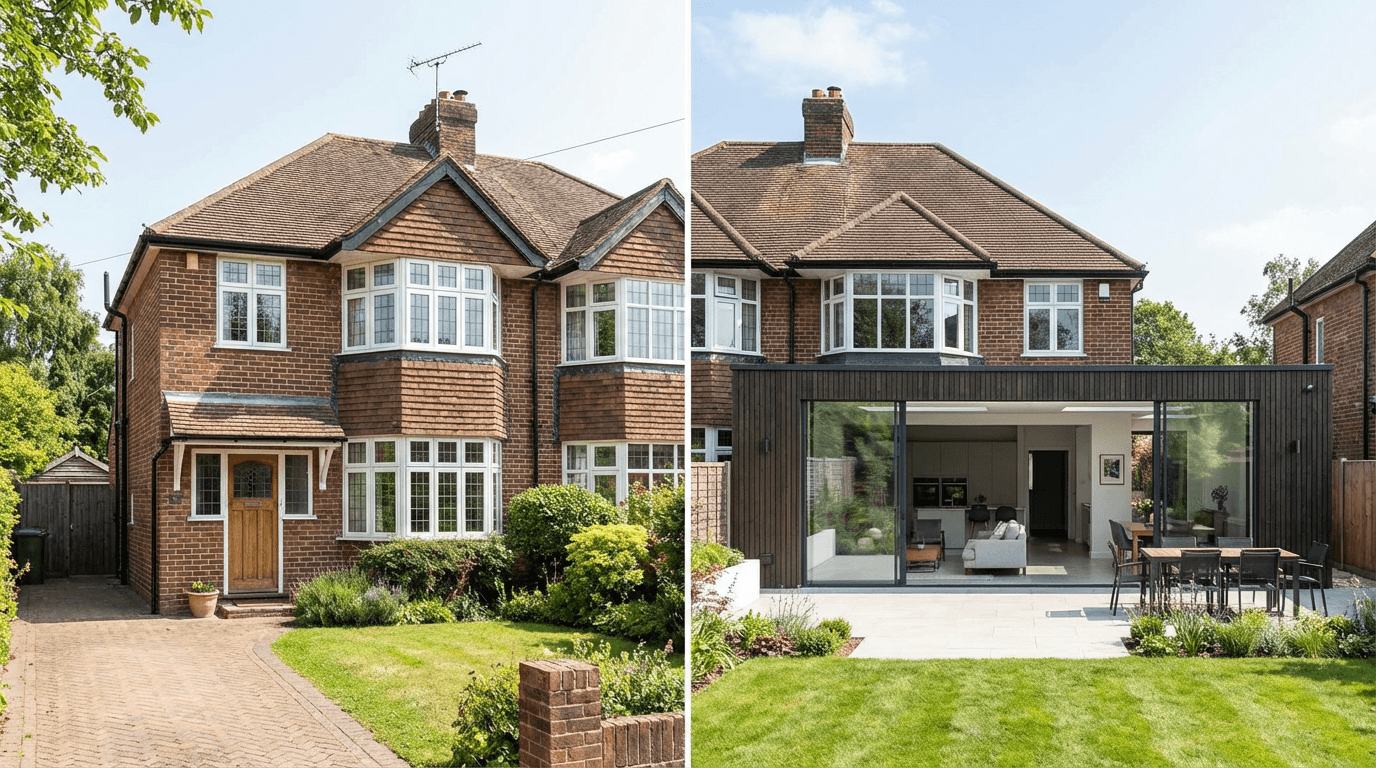
A home extension or renovation project represents a significant investment. Before committing, it's essential to visualize the final result in its real context.
AI 3D insertion perfectly meets this need by integrating the project render into a real photo of the existing house.
Types of projects covered
- Side extensions: conservatory, extra room, attached garage
- Loft conversions: adding a floor, roof modification
- Facade renovations: rendering, new windows, external insulation
- Outdoor improvements: terrace, pool, fencing, gates
Convince clients with concrete visuals
For an architect or project manager, 3D insertion is a powerful communication tool. Showing clients their project integrated into the real environment of their home facilitates decision-making.
Facilitate permit approval
Extensions and loft conversions often require planning permission. Context integration is among the commonly requested documents.
With 3D Insertion, this document is produced in seconds, directly usable for administrative filings.
Recommended method
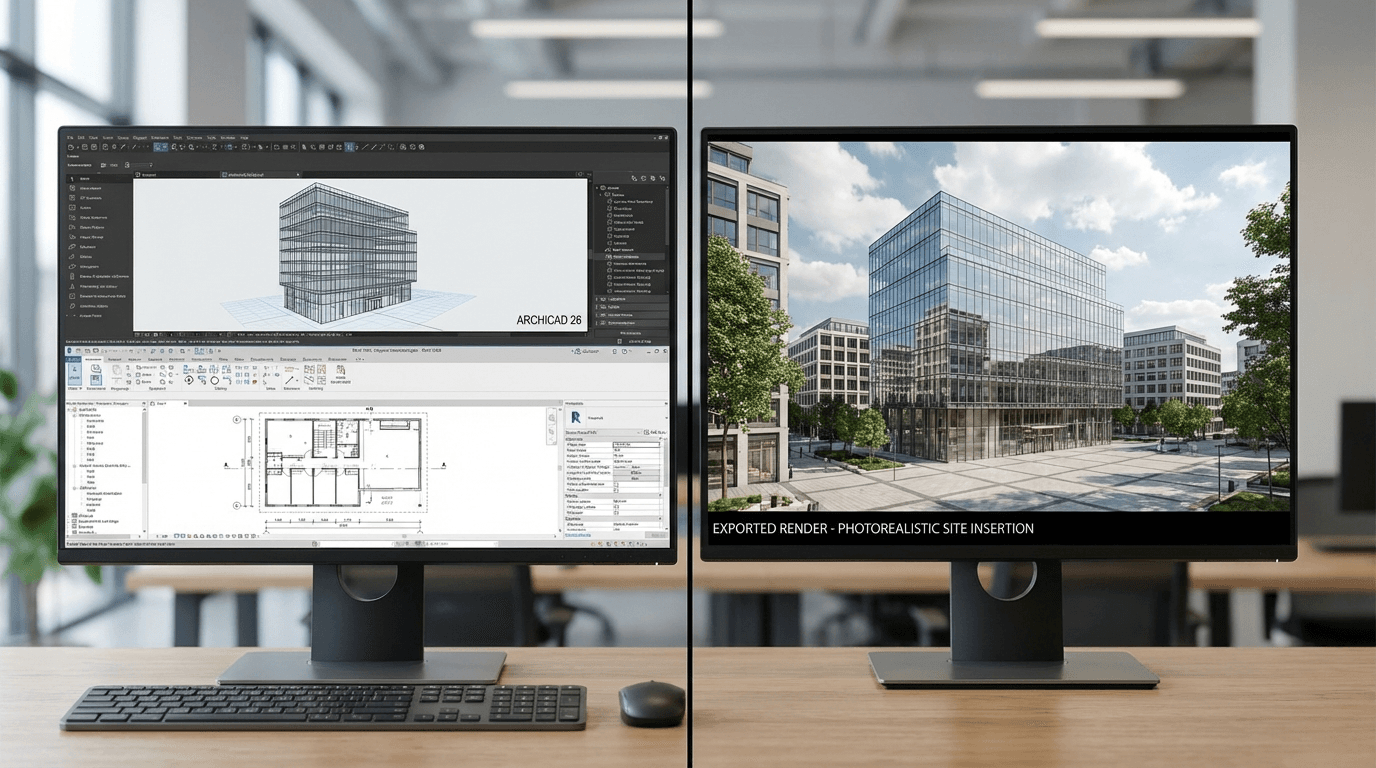
- Model your extension in your 3D software (SketchUp, Archicad, Revit...)
- Export the render including the existing house and extension
- Upload a photo of the current house from the same angle
- Generate the insertion for a realistic visualization
extensionrenovationmaisonsurelevationagrandissement