Table of contents
Why 3D insertion is essential for building permits
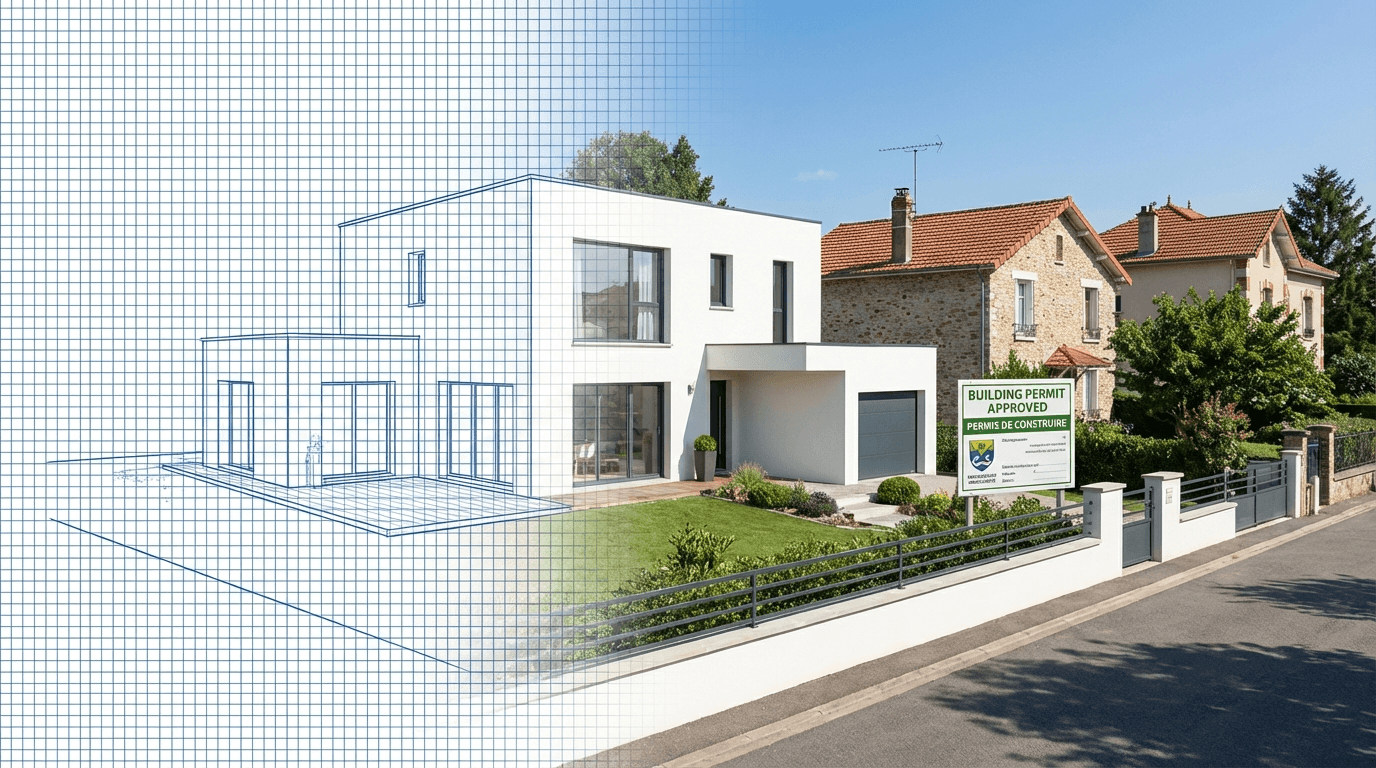
Site context visualizations are required in most building permit applications worldwide. They allow planning authorities to visualize the impact of a project on the existing landscape.
Traditionally, this step requires several hours of work in Photoshop: masking, perspective adjustment, light and shadow harmonization.
With AI, this process is reduced to seconds. No advanced graphic skills or expensive software needed.
Requirements for a permit-ready insertion
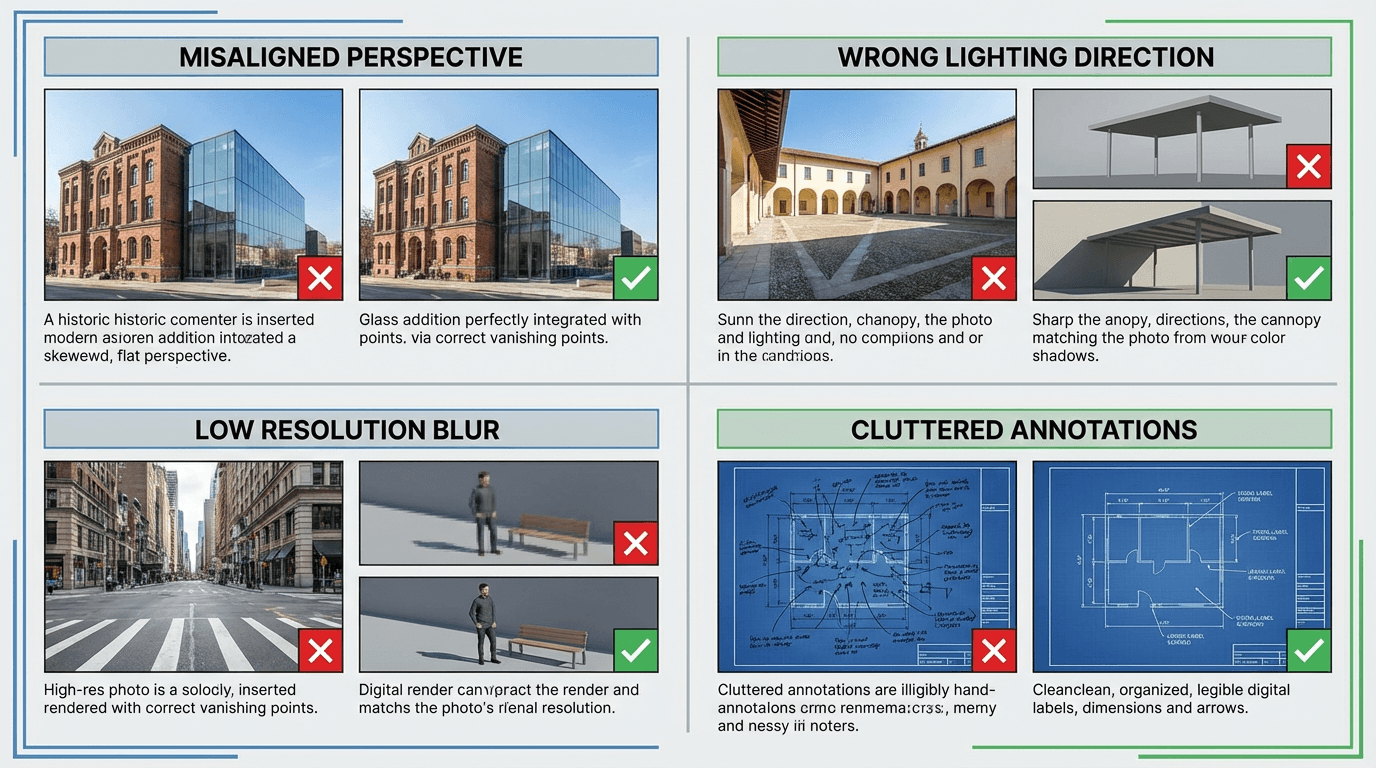
To be acceptable, an architectural insertion must meet several criteria. Planning authorities pay close attention to each of these points:
- Geometric fidelity: building volumes and proportions must be preserved
- Perspective consistency: the vanishing point and horizon must match the site photo
- Light harmony: the project lighting must naturally blend with the context
- Sufficient resolution: the image must be sharp and readable when printed
A non-compliant submission on these points risks rejection or a request for additional documents, extending the review timeline.
Method with 3D Insertion
Our tool radically simplifies this process. In four steps, you get a permit-ready insertion:
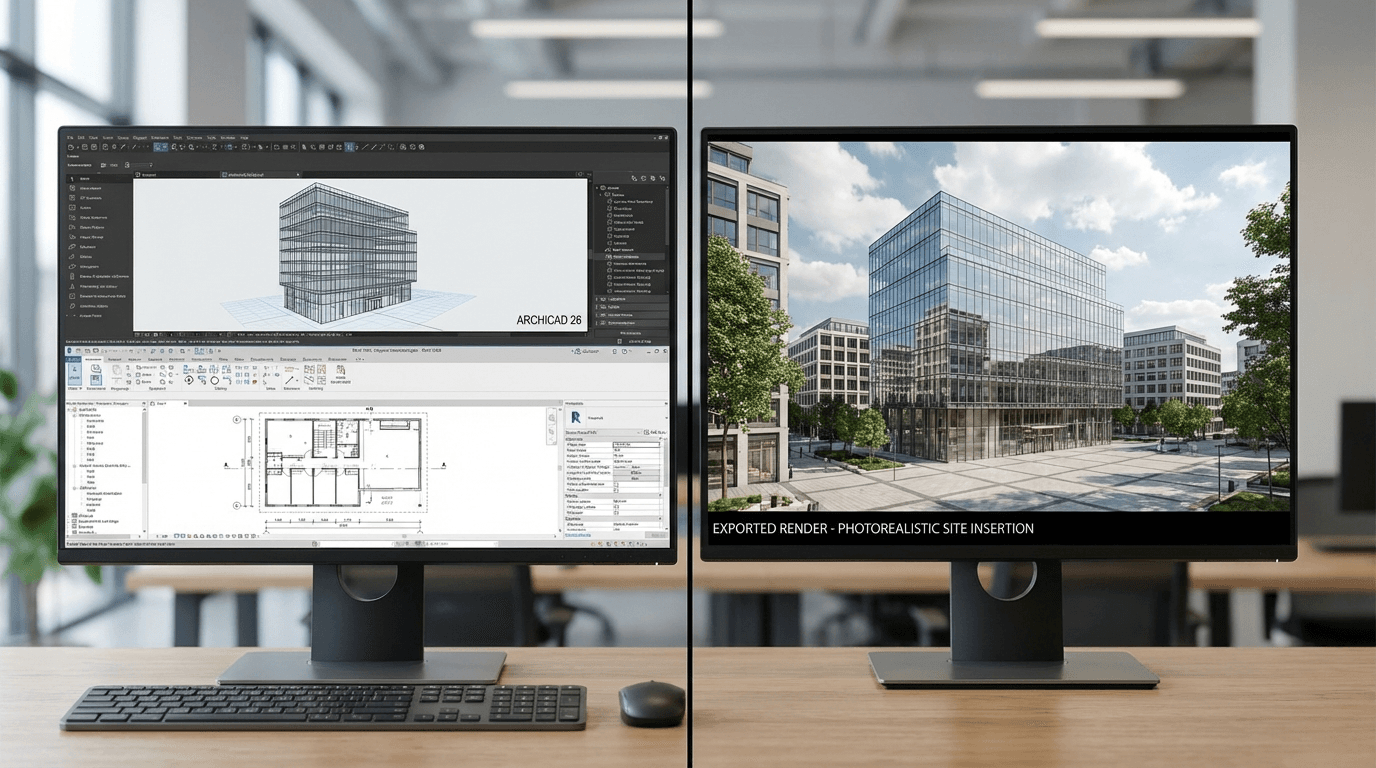
- Export your render from Archicad, Revit, SketchUp, or any 3D modeling software in JPG or PNG format
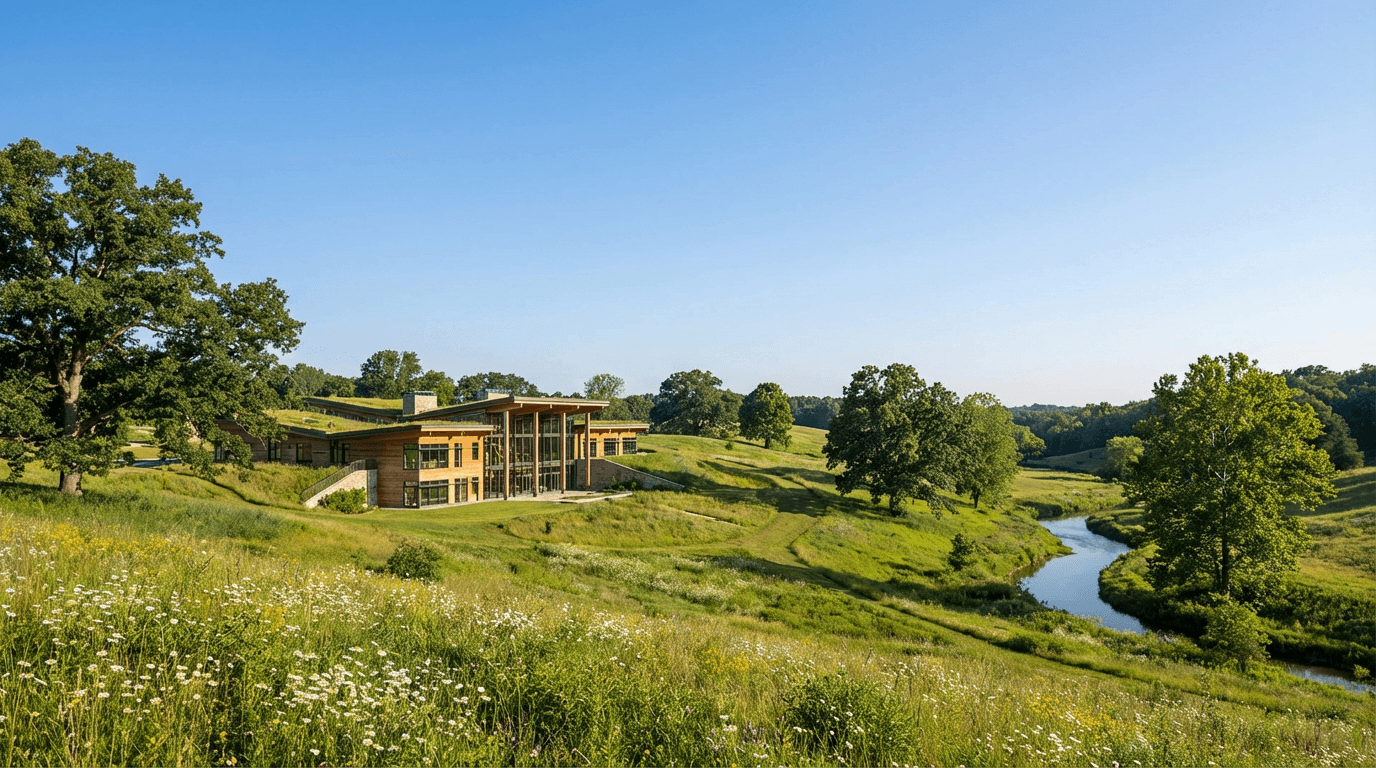
- Upload a site photo or describe the environmental context (urban, rural, coastal...)
- Generate the insertion: AI automatically aligns perspective, harmonizes light, and integrates vegetation
- Export in HD for your building permit application
The entire process takes less than two minutes, compared to several hours with traditional methods.
Tips for optimal results
A few best practices to get the best possible insertions.
For your 3D render:
- Export your render without legends or borders, with the building well-centered
- Ensure your render resolution is sufficient (minimum 1920px wide)
For the site photo:
- Use a photo taken from the same angle as your render
- Match lighting conditions between the render and the photo
Time and cost savings
A graphic designer charges between 150 and 500 euros per insertion, with a 2-5 day turnaround.
3D Insertion lets you generate an insertion in seconds for 1.50 euros.
The time saved allows architects and draftsmen to focus on design rather than graphic production.